Skip to content
Ghansoli, Maharashtra, 400701

Business hours

Ghansoli Mobile Repairing

Monday
10am-11pm
Tuesday
10am-11pm
Wednesday
10am-11pm
Thursday
10am-11pm
Friday
10am-11pm
Saturday
9am-11pm
Sunday
9am-11pm

You can anytime during the day with your query.

7304858533

Latest Posts & Updates

Fresh stories, announcements and offers about Mobile Phone Repair Shop, Repair service, Mobile Phone Shop, straight from our business.

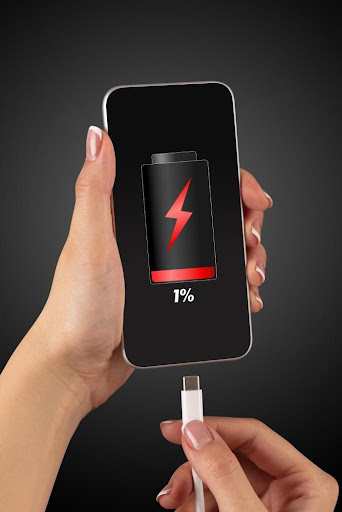
How to deal with slow phone charging?

*. Causes of problems 1. Use of non-original charger, data cable or damaged charger, data cable will cause slow charging. 2. The suitable charging temperature for the phone is 16°-35°. Due to the characteristics of lithium batteries, the "fear of heat and cold", the charging speed will decrease when charging outside this temperature range. 3. When the phone is used while charging or high power consuming applications are running in the background, the charging current will decrease and the charging speed will decrease. Besides, the temperature of the phone increases when the phone is in use. Due to the protection mechanism of the phone, the charging speed is further reduced. 4. Other factors such as the phone wearing a case, foreign objects in the charging port and not fully inserting the charging port can also affect the charging speed of the phone. *. Solution 1. Please use the original charger and data cable to charge the phone. 2. Please charge the phone in a suitable temperature (16℃~35℃). 3. It is recommended not to charge your phone while you are using it. If charging is slow when the screen is off, please clear background apps or restart the phone. 4. The following factors may also cause slow charging, please troubleshoot according to the actual situation. 4.1 If your phone is wearing a phone case, it is recommended that you remove the phone case when charging. The phone case will affect the heat dis
How to deal with slow phone charging? post imageRead full post

If your phone is overheating during normal use

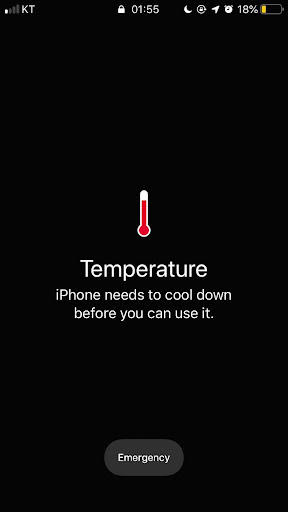
Phones can get warm when we use them. For example, if you play resource-intensive video games with high-end graphics, your phone might heat up. It should never be too hot to touch or so hot as to indicate a warning. However, if you feel uncomfortable about how hot it is, you should immediately close the app or game you are using and give the phone a chance to cool down. Unplug if you are charging the phone. Temporarily lowering the brightness of the display will also help cool it down. Again, removing the hair will help speed up the cool down process. If your phone is consistently overheating, there's probably something wrong with it, and it's a good idea to contact Ghansoli mobile Repair How to prevent your phone from overheating There are a few precautions you can take to reduce the chances of your phone overheating: Don't leave your phone in your car on a hot day. Do not leave your phone in direct sunlight. Take a break while gaming or streaming videos. Avoid charging your phone while gaming or streaming. Remember that phones, despite being miniature computers, do not have cooling systems like computers. If your phone is overheating, sometimes it needs help to return to

If your phone is overheating during normal use post imageRead full post

You’ve reached the end of these updates.